
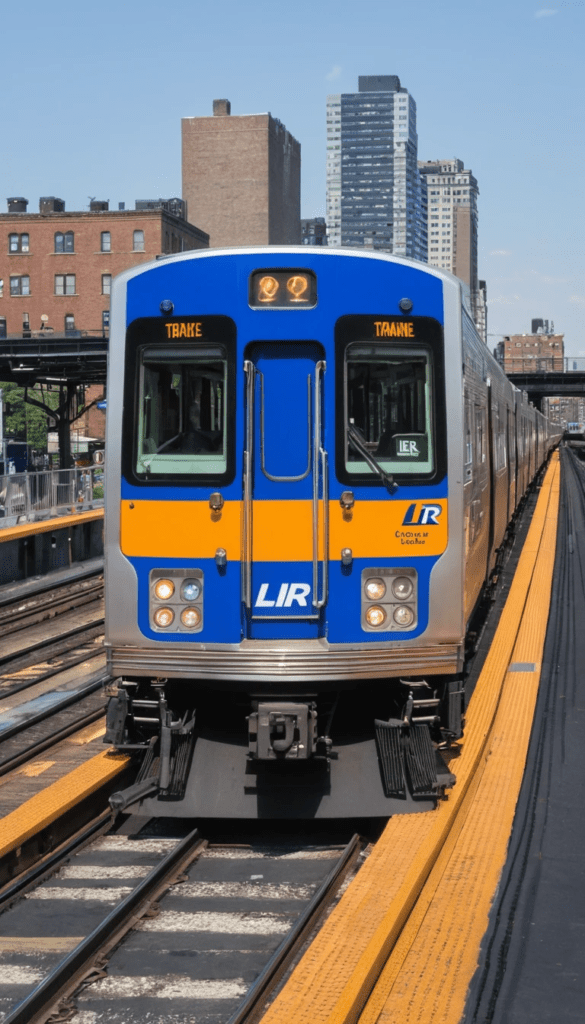
What Is the LIRR Trip Planner?
The LIRR Trip Planner is a travel planning tool that allows passengers to enter their starting station and destination to receive customized travel recommendations.
The planner helps users:
- Find the fastest route
- Compare train schedules
- View departure and arrival times
- Check transfer requirements
- Estimate travel duration
- View ticket options
- Monitor service alerts
- Plan future trips
Whether you’re a daily commuter or a first-time rider, the trip planner simplifies the travel process.
How to Use the LIRR Trip Planner
Planning a trip on the Long Island Rail Road is simple.
Step 1: Enter Your Departure Station
Select the station where your journey begins.
Examples:
- Ronkonkoma
- Hicksville
- Babylon
- Huntington
- Jamaica
- Mineola
Step 2: Select Your Destination
Choose the station where you want to arrive.
Examples:
Step 3: Choose Date and Time
You can search for:
- Depart At
- Arrive By
- Current Trips
- Future Travel Dates
Step 4: Review Route Options
The planner displays:
- Train numbers
- Departure times
- Arrival times
- Transfer stations
- Total travel duration
- Fare information
Step 5: Purchase Tickets
Passengers can purchase tickets directly through the TrainTime App after selecting a trip.
Benefits of Using the LIRR Trip Planner
| Feature | Benefit |
|---|---|
| Route Suggestions | Finds the most efficient route |
| Real-Time Updates | Helps avoid delays |
| Fare Information | Estimates ticket costs |
| Transfer Guidance | Shows where to change trains |
| Schedule Access | Displays upcoming departures |
| Mobile Integration | Works with TrainTime App |
| Travel Time Estimates | Helps plan your journey accurately |
LIRR Trip Planner Features
Real-Time Schedule Information
The trip planner provides access to updated train schedules, including:
- Peak schedules
- Off-peak schedules
- Weekend schedules
- Holiday schedules
- Service changes
Route Recommendations
Passengers can compare multiple travel options and choose routes based on:
- Fastest arrival
- Fewest transfers
- Earliest departure
- Latest departure
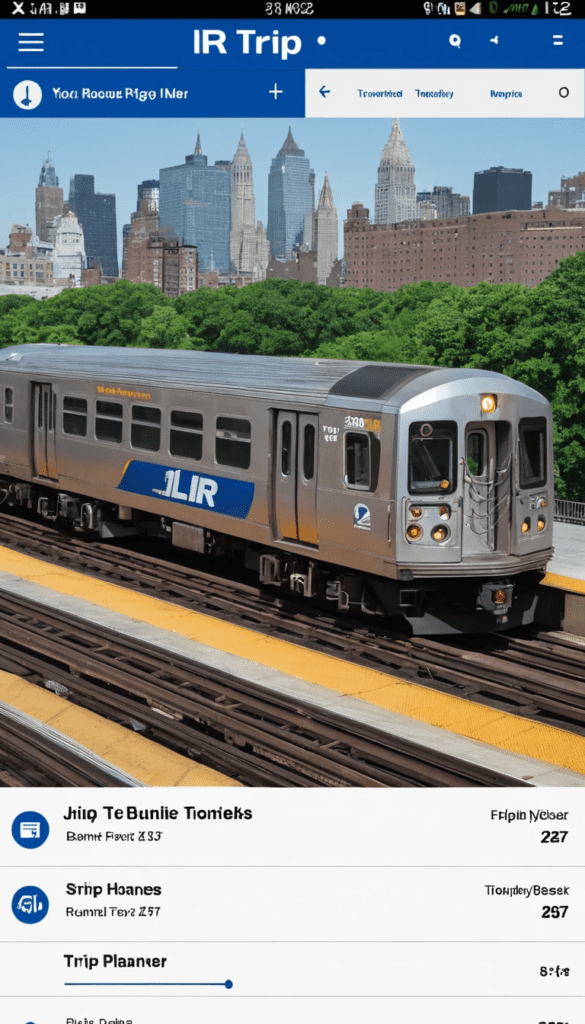
Fare Estimates
The planner helps riders understand ticket costs before traveling.
Common ticket types include:
| Ticket Type | Description |
|---|---|
| One-Way | Single trip |
| Round Trip | Travel to and from destination |
| Weekly Pass | Unlimited weekly travel |
| Monthly Pass | Unlimited monthly travel |
| CityTicket | Travel within NYC zones |
Transfer Information
Many LIRR trips require transfers, especially at major hubs.
Popular transfer stations include:
The trip planner clearly shows:
- Transfer locations
- Connection times
- Platform information (when available)
Plan Trips to Major LIRR Destinations
Penn Station
One of the busiest destinations on the LIRR network.
The trip planner can help riders find:
- Direct trains
- Fastest routes
- Transfer options
- Arrival schedules
Grand Central Madison
Travelers heading to Midtown East can use the planner to find trains serving Grand Central Madison.
Features include:
- Direct route availability
- Travel times
- Transfer guidance
Atlantic Terminal
Passengers traveling to Brooklyn can view routes and schedules directly through the planner.
LIRR TrainTime App and Trip Planning
The easiest way to access the trip planner is through the TrainTime App.
TrainTime Features
- Trip Planning
- Mobile Tickets
- Live Train Tracking
- Platform Information
- Service Alerts
- Schedule Search
- Accessibility Information
- Station Details
LIRR Stations Supported by the Trip Planner
The planner covers all LIRR stations, including:
- Jamaica
- Ronkonkoma
- Babylon
- Hicksville
- Huntington
- Long Beach
- Port Jefferson
- Mineola
- Woodside
- Penn Station
- Grand Central Madison
- Atlantic Terminal
Trip Planning for Airport Connections
Many travelers use the LIRR Trip Planner to reach airports.
JFK Airport
The planner helps passengers connect to:
- Jamaica Station
- AirTrain JFK
- Airport terminals
Common route:
LIRR → Jamaica Station → AirTrain JFK
Accessibility Trip Planning
Passengers requiring accessible travel can use the planner alongside station accessibility information.
Features include:
- Elevator availability
- Accessible stations
- Ramp access
- ADA-compliant facilities
Common Reasons to Use the LIRR Trip Planner
- Daily commuting
- Weekend travel
- Airport connections
- Business trips
- Event travel
- Family visits
- Tourism around Long Island and NYC
The planner saves time by identifying the most efficient travel options.
Tips for Getting the Best Route
- Check schedules before leaving home.
- Review service alerts for delays.
- Compare multiple departure times.
- Use the TrainTime App for live updates.
- Allow extra time for transfers.
- Purchase tickets in advance.
- Save favorite routes for future trips.
FAQs
Q. What is the LIRR Trip Planner?
The LIRR Trip Planner is a route-planning tool that helps passengers find schedules, routes, fares, travel times, and transfer information for Long Island Rail Road trips.
Q. Is the LIRR Trip Planner free?
Yes. Passengers can use the trip planner without charge through the TrainTime App and official LIRR resources.
Q. Does the trip planner show real-time train information?
Yes. It provides updated schedule information, delays, and service alerts.
Q. Can I buy tickets through the trip planner?
You can purchase tickets through the TrainTime App after selecting your trip.
Q. Does the trip planner include all LIRR stations?
Yes. The planner supports trips between all active LIRR stations.
Q. Can I use the planner for JFK Airport travel?
Yes. The planner helps passengers find routes to Jamaica Station, where they can connect to AirTrain JFK.